
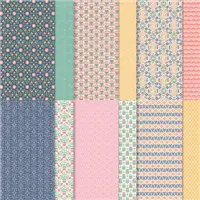
Today’s project features the In Symmetry stamp set paired with the Sweet Symmetry Designer Series Paper!

This was my thank you card for my customers who placed orders with me in May! I put my ScanNCut to work for this card – stamping lots of images and then letting the machine do all the fussy-cutting for me! I made a few different versions, just changing up the colors that coordinate with the Sweet Symmetry Designer Series Paper:

The Sweet Symmetry Suite is one of my very favorite Suites in the Annual Catalog! I love the bold flower & leaf images paired with an awesome sentiment font!
Thank you so much for stopping by today! I hope you have a wonderful & blessed day!
PROJECT MEASUREMENTS:
- Card base (Flirty Flamingo, Just Jade, Bumblebee) – 4-1/4″ x 11″, scored and folded in half at 5-1/2″
- Night of Navy layer – 3-3/4″ x 5″
- Basic White layer – 3-5/8″ x 4-7/8″
- Sweet Symmetry DSP layer – 1-1/2″ x 4″
PROJECT SUPPLY LIST:

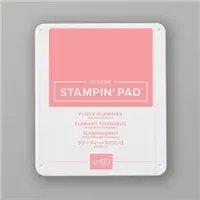
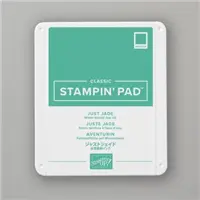
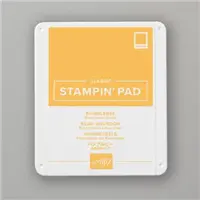
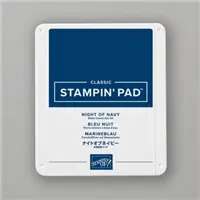



Sale: $9.78
Price: $11.50
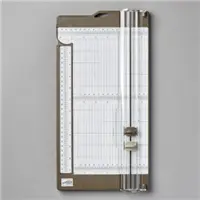
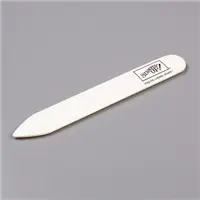
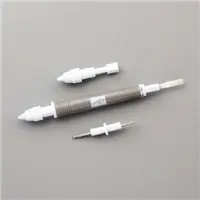
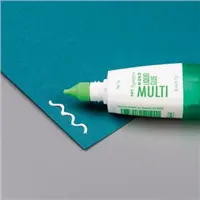

Beautiful cards Julie! Great in every colour!
Love your card, it’s clean & simple.
Would you please give some info about your ScanNCut either on the site or send to me. I looked it up and could not see any instructions. Seems a tad expensive which is not an issue if I understand how it works and how often you use it.
Thank you so much. always enjoy your ideas!
Hi Frances! I highly recommend checking out The Papered Chef on YouTube. She has lots of great ScanNCut tutorials that will give you a feel for all the things it can do! Since I make lots of cards for my customers, I primarily use it to cut out stamped images or Designer Series Paper images to save some time. I generally only use it for images that don’t have a coordinating die set. I hope that helps!
Julie, These cards are beautiful! Some of my favorites!
Thank you so much, Cyndi! I love this Suite!
What is a Scan n cut machine?
Hi Mary! It’s an electronic cutting machine that you can scan stamped images (or patterned paper images) and cut them out! I love to use it when there aren’t coordinating dies and I need to make multiples of the same card. If you do a quick search on YouTube you can get an idea of what it can do!